
Help CenterCampaigns
Forms: Collecting Visitor Data
Configure form fields to capture the right information from your leads.
What are Forms?
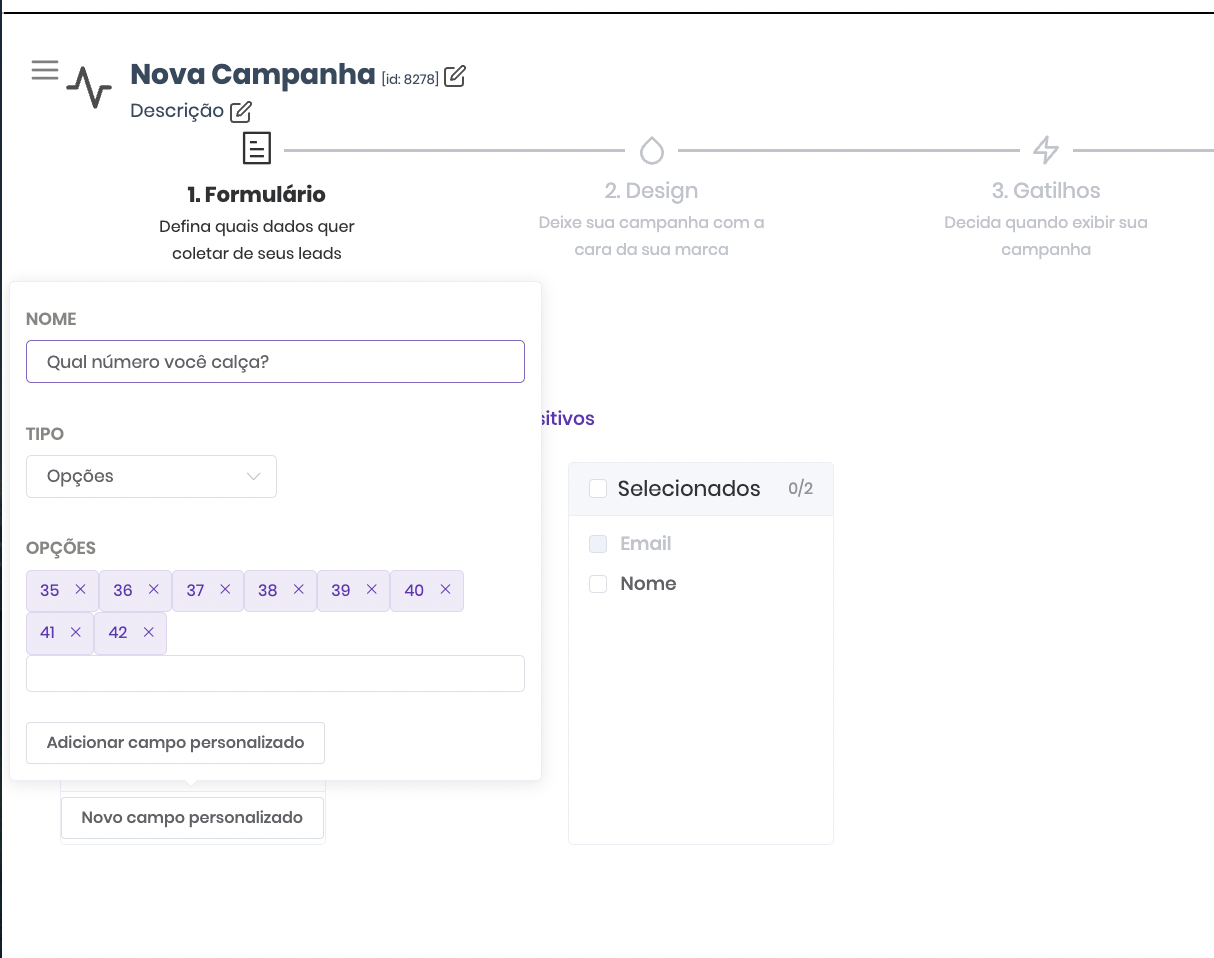
Forms are the first step in creating a Popconvert campaign. This is where you define what information will be collected from visitors through the Pop-up.
Field Limit
⚠️ Each Pop-up can have up to 4 fields. More fields = lower participation rate.
Storage and Access
All collected data is automatically stored and can be exported as .CSV on the Leads page.
Best Practices
- Ask only for essentials — fewer fields = higher conversion
- Start with name and email before specific fields
- Use clear, objective labels
- Avoid too many required fields
Not a Popconvert customer yet?