
Triggers: When and How Your Campaign Appears
Configure the events that determine when campaigns are displayed during navigation.
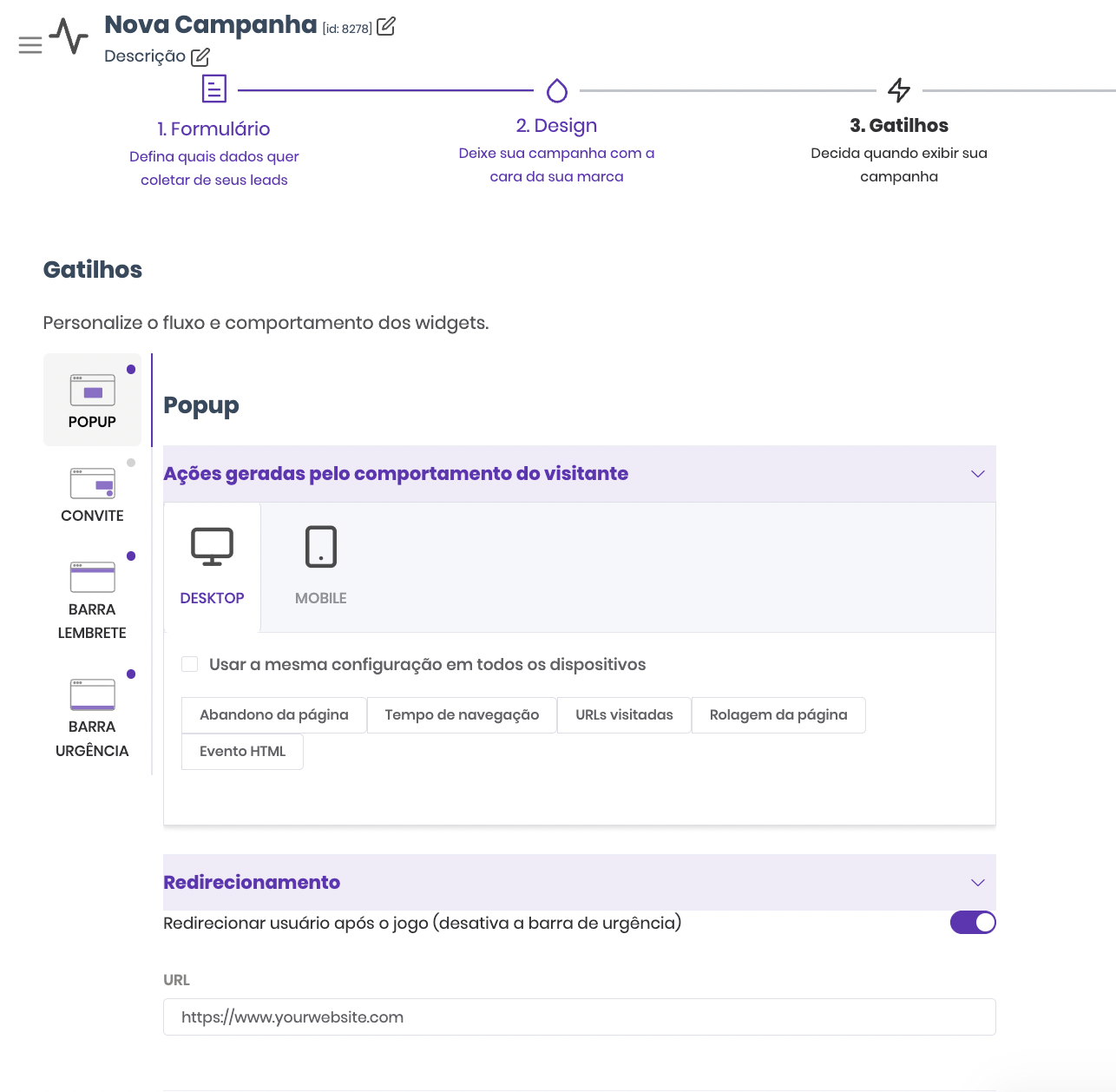
What are Triggers?
Triggers are user behavior conditions that, when met, activate the campaign display. You also configure auxiliary bars and post-interaction redirects on this page.
Available Trigger Types
1. Exit Intent: Desktop: mouse leaves browser area. Mobile: configurable inactivity at 3 sensitivity levels. Ideal for recovering visitors about to leave.
2. Time: Displays after X seconds on the page.
3. Pages Visited: Shows after the visitor navigates through X pages. Targets more engaged users.
4. Scroll: Displays when the user scrolls X% of the page.
5. HTML Event / CSS Selector: Triggered by any specific click or action — the most flexible.
Post-Interaction Redirect
Enter a destination URL (checkout, product page) to redirect the user after participating.
Best Practices
- Use only 1-2 triggers per campaign
- Exit Intent is ideal for engagement campaigns
- Test on Desktop and Mobile
Not a Popconvert customer yet?