
How to use it
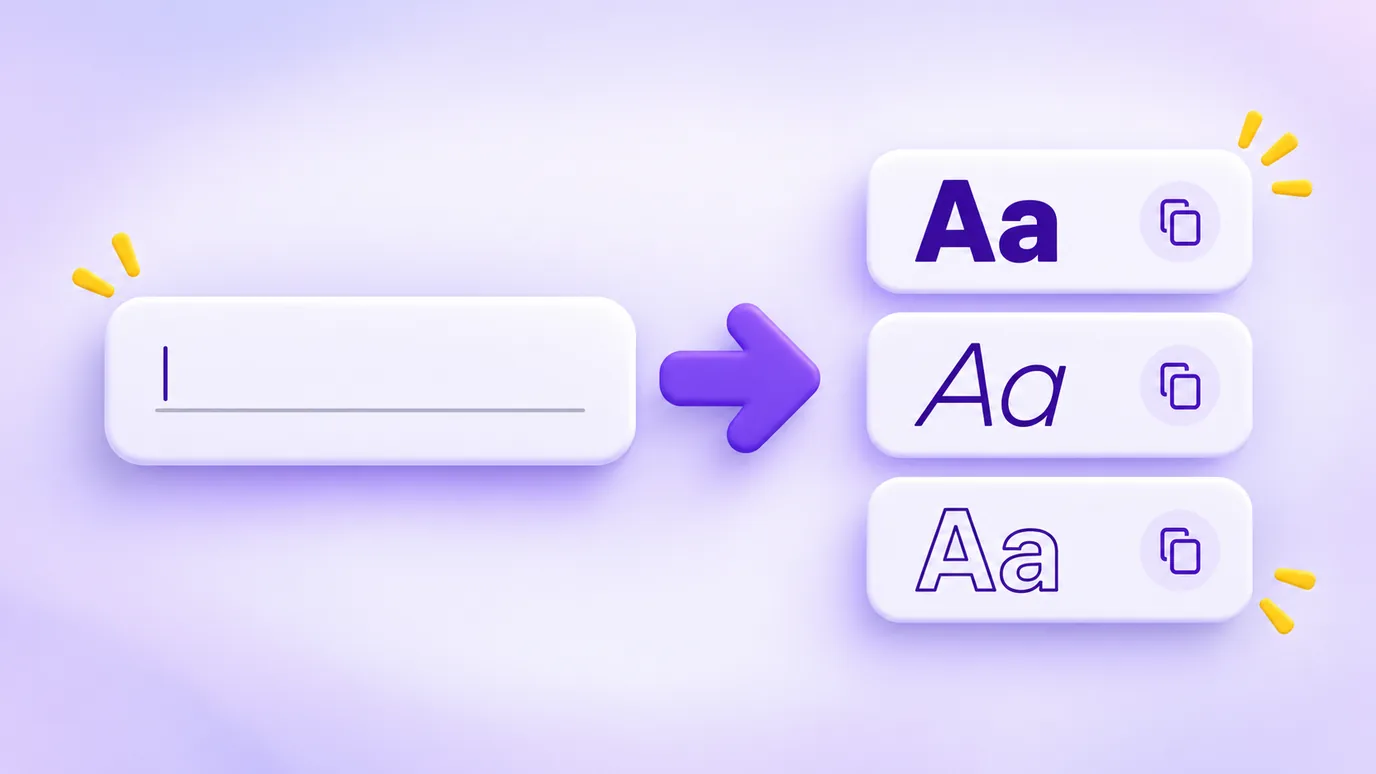
- Type or paste your text in the field.
- See the result in every style at once and pick the one that suits your bio, caption or name.
- Click "Copy" on the style you chose and paste it anywhere: Instagram bio, caption, WhatsApp, TikTok, profile name.
- If you like, use the frames and symbols to make the text stand out.
How it works
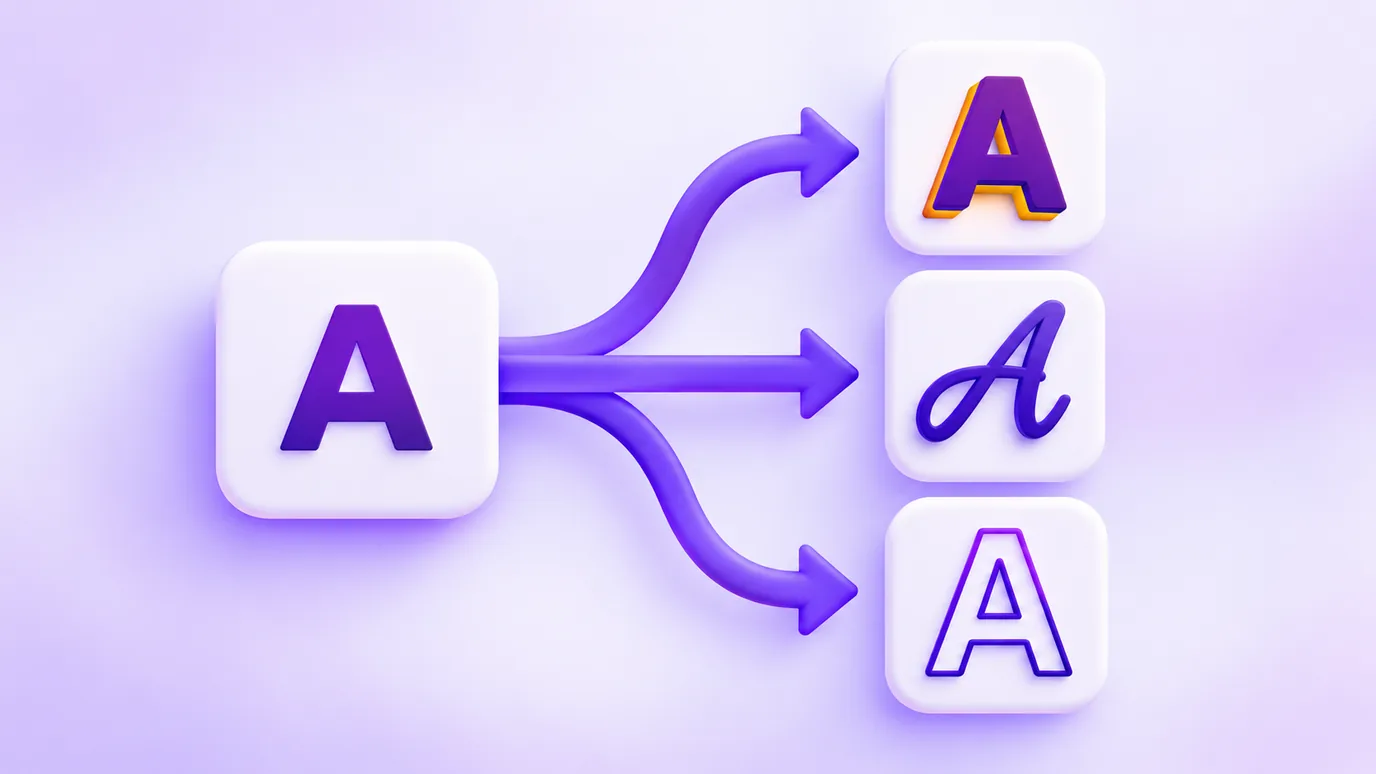
The styles are not an installed font: each letter is swapped for another Unicode character that has the shape of that style. That is why the text can be pasted anywhere that accepts Unicode, with nothing to install.
Accented letters keep their accent. Not every style has numbers and symbols: whatever has no version stays as you typed it.
Where to use it
- Instagram bio and profile name, to highlight a word or separate blocks.
- Captions and comments, to emphasize a title or an offer.
- WhatsApp messages and status, to draw attention to a notice.
- The name of a shop, a promotion or a collection on social media.

Things to keep in mind
- It is not a font: some old devices show boxes instead of letters. Test on your phone before using it for something important.
- Screen readers may read the text oddly, letter by letter. For essential information such as price or opening hours, prefer plain text.
- Styled text may not be found by word search, because the characters are different. Use it for highlights, not for the name people will search for.
Frequently asked questions about fancy text for Instagram
How do I use different letters in my Instagram bio?
Type the text in the tool, choose the style, click "Copy" and paste it in your Instagram bio. The letters are Unicode characters, so there is no font to install.
Does it work on WhatsApp and TikTok?
On most devices, yes: the text is pasted as ordinary characters. It depends on the device and the app, so test on your phone before using it for something important.
Why do some letters show up as boxes?
Older devices or apps may not have the shape of some Unicode characters. In that case, choose another style, such as bold or italic, which usually have better support.
Do accented letters work?
Yes. The accent is preserved: the base letter changes style and the accent comes with it. In some styles the accent may sit slightly off.
Is this a font?
No. It is a swap of Unicode characters. That is why the text can be copied and pasted, but you cannot choose the font afterwards or use it where only plain text is accepted.
Do the styles hurt people who use a screen reader?
They can: many screen readers read these characters oddly. Use the styles for short highlights and keep important information in plain text.
Does it have emojis?
Yes. Below the styles there are emojis grouped by type (faces, nature, transport, symbols and flags) to click and add to your text. They are simple emojis: no skin tone variations or combinations such as family and professions.
Is my text sent to a server?
No. The conversion happens in your browser and the text is neither sent nor stored.
More tools
In your browser, without uploading anything, you can also:
More free tools
All of them run in your browser, with no sign-up and without uploading your files:
- WhatsApp Link Generator: Create wa.me links with a pre-filled message and use them on your site, Instagram or ads.
- QR Code Generator: Create QR codes for links, WhatsApp, Instagram, Google Reviews, contacts and other destinations.
- Spin-the-wheel prize calculator: Find out which prizes to put on your spin-the-wheel, based on your vertical, average order value and goal.
- Resize images: Resize images by pixels or percentage, crop, adjust quality and download several at once as a ZIP.
- Image converter: Convert images between JPG, PNG and WebP without changing the size in pixels, with adjustable quality and ZIP download.
- Image to PDF: Combine one or several images into a single PDF, one per page, in the order you choose.