
How to calculate hours worked
- For each day, enter the start, the end and the break in minutes (for example, 60 for an hour of lunch).
- The day total appears beside it, in hours and minutes. Use "Add day" to add up a week or a month.
- See the grand total in hours and minutes and in decimal, and the average per day worked.
- Enter the hourly rate and the currency to see how much to bill for the period.

Decimal hours: why and how
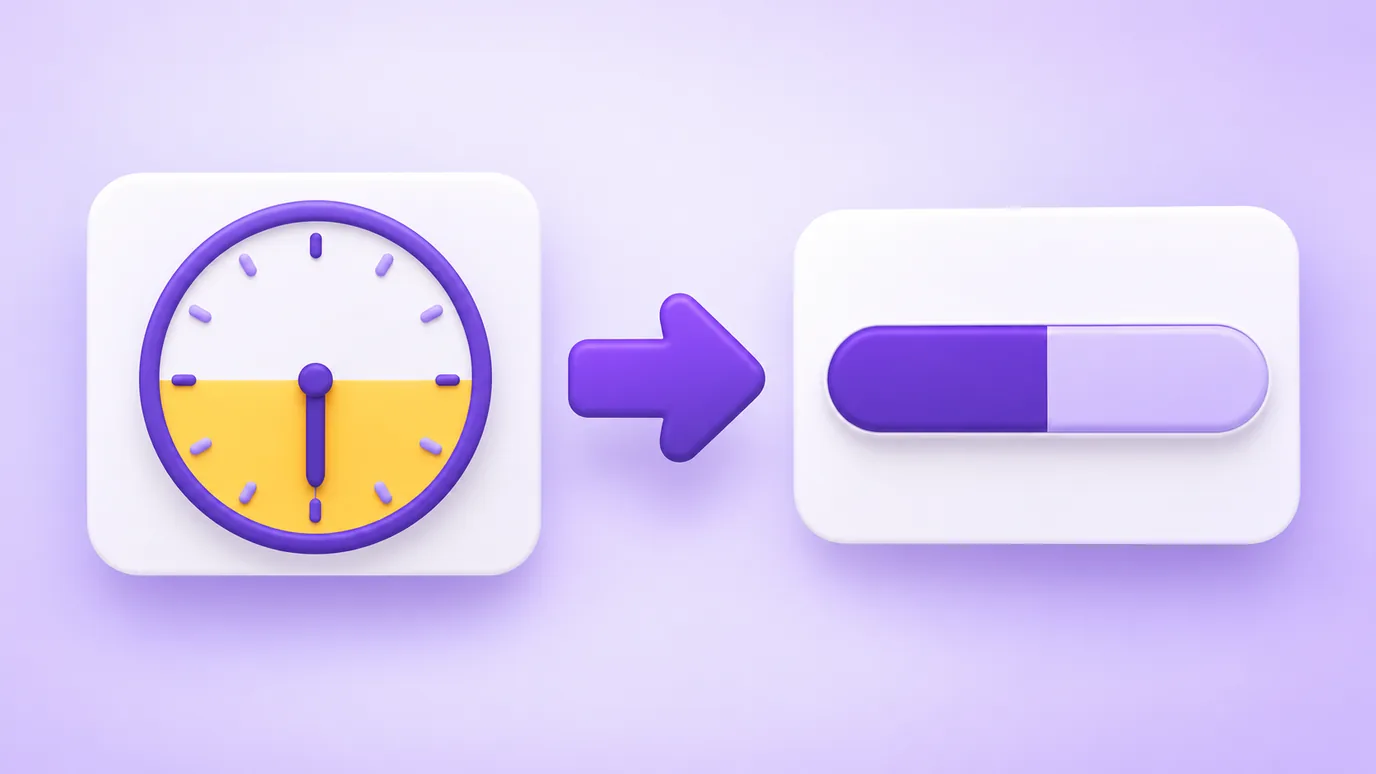
To multiply hours by a rate, minutes have to become a fraction of an hour. The math is simple: minutes ÷ 60. So 8h30 becomes 8.5 and 7h45 becomes 7.75.
That is why the calculator shows the total in both formats: hours and minutes to read and decimal to calculate. The conversion is also available on its own, both ways, at the end of the page.
Who it is useful for
- Freelancers and service providers who bill by the hour and need to close the monthly amount.
- Anyone tracking their own working or study hours.
- Small businesses adding up the time of a task or a project.
- People on shifts who need to know how many hours fit between start and end, including at night.

What the calculator does not do
- It does not apply labor rules such as overtime, night differential, time banks or clock-in tolerance: it only adds up time.
- It does not keep the days: the rows stay on the page while it is open.
- If the end is earlier than or equal to the start, it assumes the shift went past midnight. For shifts longer than 24 hours, split them into two days.
Frequently asked questions about the hours calculator
How do I calculate hours worked per day?
Subtract the start from the end and take off the break. Example: start 09:00, end 18:00 and a 60-minute lunch give 8 hours. The calculator does this for each day and adds the total.
How do I convert hours and minutes to decimal?
Divide the minutes by 60 and add them to the hours. 8h30 becomes 8.5 (30 ÷ 60 = 0.5) and 7h45 becomes 7.75. The "Convert hours and minutes to decimal" section does it both ways.
How do I calculate a shift that goes past midnight?
Enter the start in the evening and the end in the morning (for example, 22:00 and 06:00). When the end is earlier than the start, the calculator adds 24 hours and understands that the shift crossed the day: the result is 8 hours.
Can I add up more than 24 hours?
Yes. The total is shown in running hours and minutes, such as 40:30 for forty hours and thirty minutes, without restarting every 24 hours.
Does it calculate overtime and night differential?
No. It adds up the time worked. Overtime, night differential and time banks depend on the rules of your contract, agreement or country, and have to be applied separately.
How do I know how much to bill for the hours worked?
Enter the hourly rate and the currency. The calculator multiplies the decimal total by the rate and shows the amount for the period.
Is my data sent to a server?
No. The math happens in your browser and nothing is sent or stored by the tool.
More tools
In your browser, without uploading anything, you can also:
- calculate discount, margin and final price
- count the characters and words of a text
- build a professional email signature
More free tools
All of them run in your browser, with no sign-up and without uploading your files:
- WhatsApp Link Generator: Create wa.me links with a pre-filled message and use them on your site, Instagram or ads.
- QR Code Generator: Create QR codes for links, WhatsApp, Instagram, Google Reviews, contacts and other destinations.
- Spin-the-wheel prize calculator: Find out which prizes to put on your spin-the-wheel, based on your vertical, average order value and goal.
- Resize images: Resize images by pixels or percentage, crop, adjust quality and download several at once as a ZIP.
- Image converter: Convert images between JPG, PNG and WebP without changing the size in pixels, with adjustable quality and ZIP download.
- Image to PDF: Combine one or several images into a single PDF, one per page, in the order you choose.