
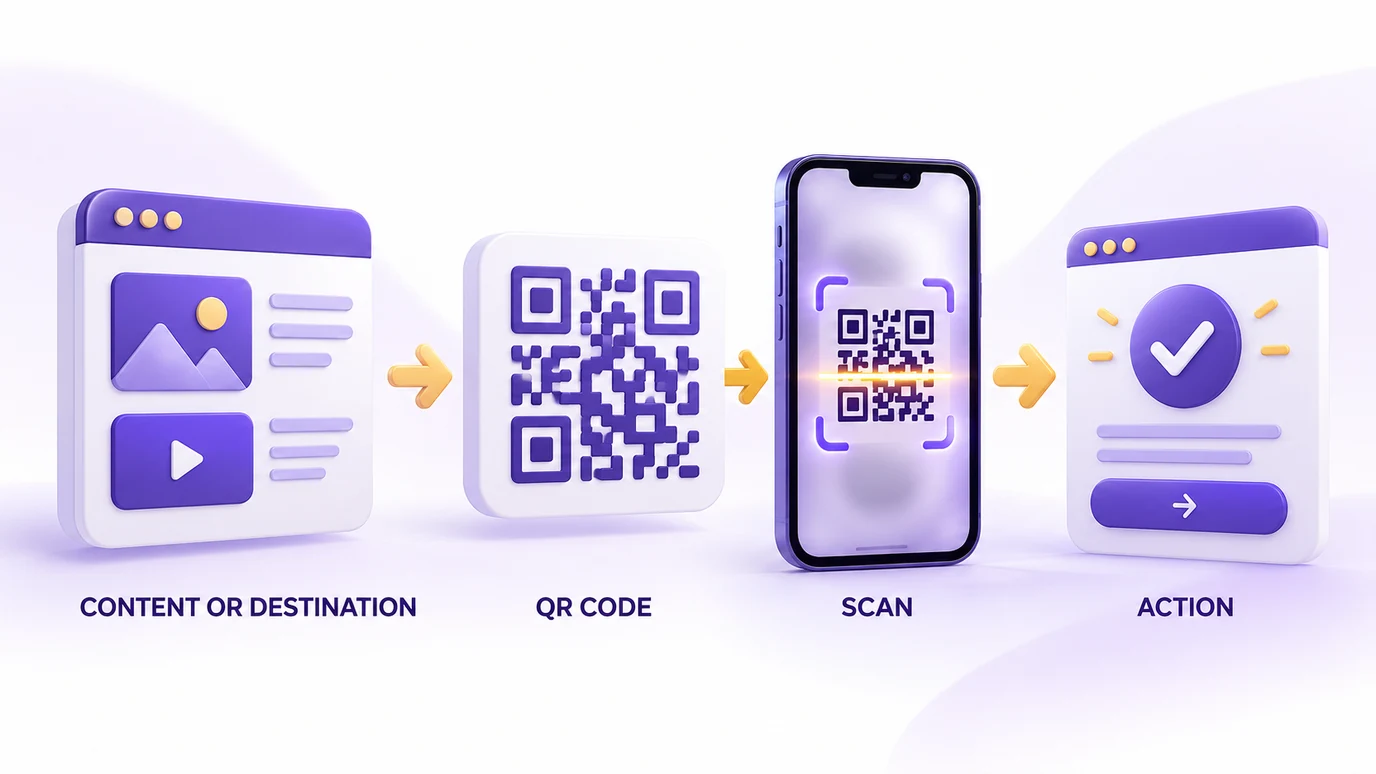
Customize your QR code
Adjust the QR color, background, size, margin, error correction and logo. The preview updates as you customize it.
There is no universal color combination or size that guarantees scanning in every situation. Contrast, quiet zone, module size, file quality and printing conditions all affect readability. DENSO WAVE notes that a margin around the code is required and that module size should take the printer and the reading device into account. The tool keeps a four-module margin by default and warns you when contrast or the logo may get in the way.
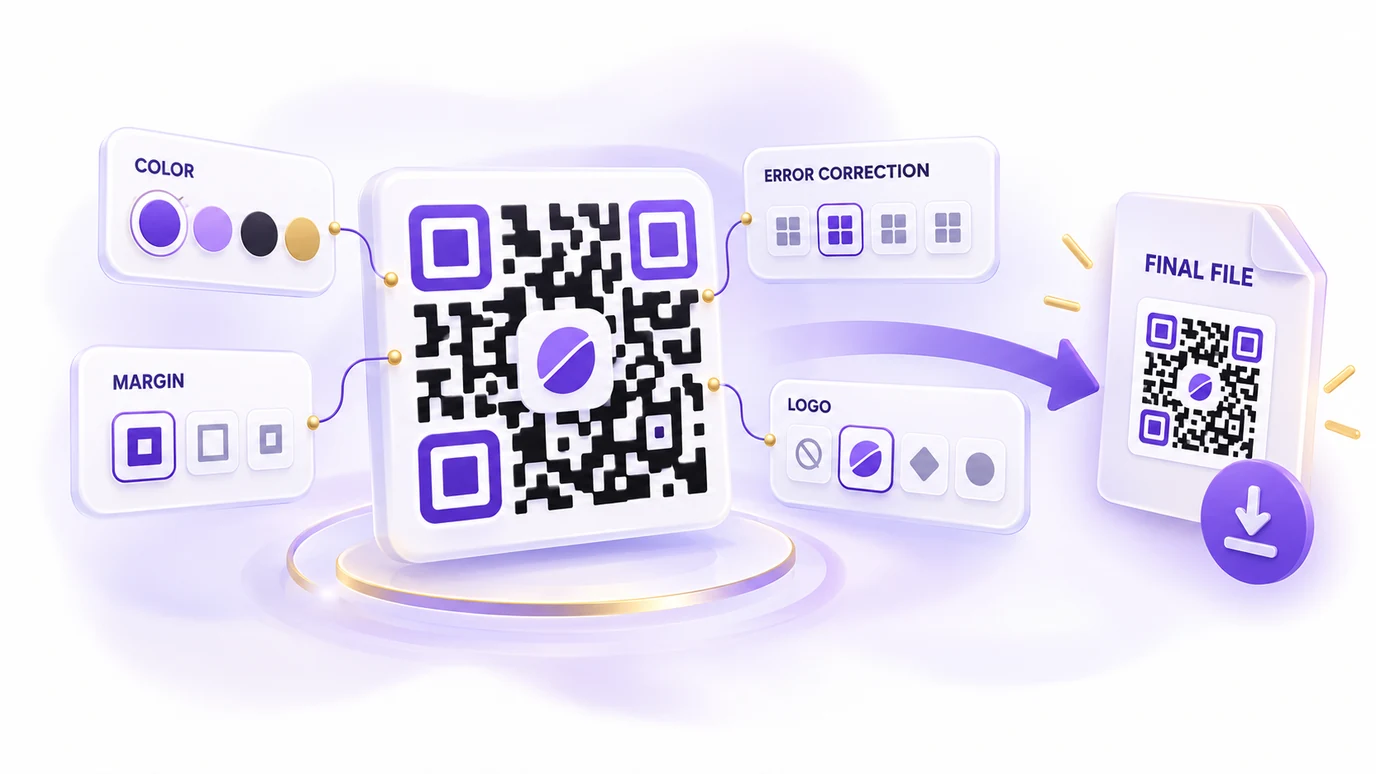
Error correction has four levels (L, M, Q and H). Higher levels increase the ability to recover unreadable parts, but also increase the amount of data and the size of the code. Level M, at about 15%, is typically the most used, according to DENSO WAVE. When you add a logo, the tool switches to level H automatically.
QR codes for marketing and ecommerce
A QR code can connect physical material to a digital action without asking visitors to type a URL. For an ecommerce business, that can mean:
- opening a product page or a landing page;
- starting a WhatsApp conversation;
- requesting a Google review;
- opening an Instagram, TikTok or LinkedIn profile;
- opening a location;
- sharing contact details or opening an email;
- sending visitors to a campaign or promotion.
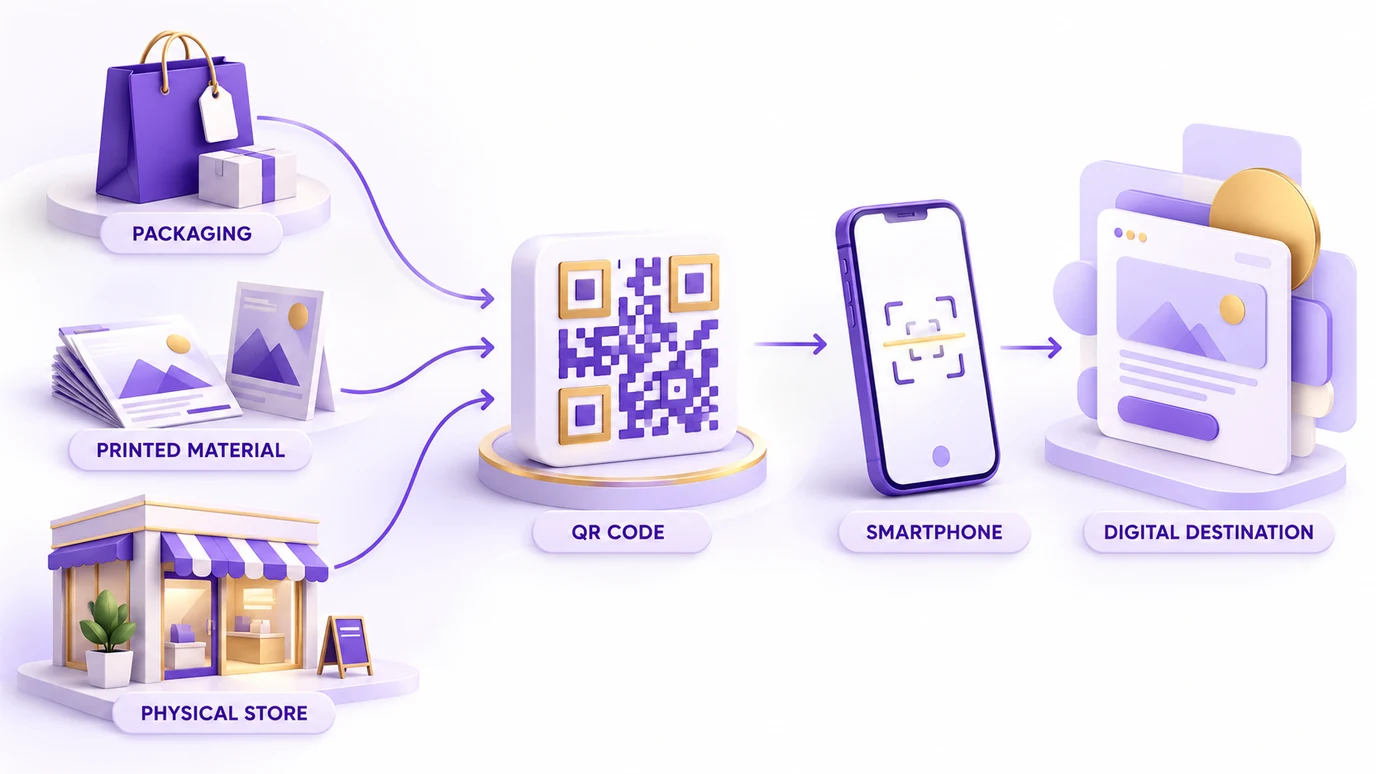
QR codes for Google Reviews
Google allows businesses to share a link or QR code that makes it easier for customers to leave reviews, and recommends using them in receipts, thank-you emails, chats and printed materials (Google Business Profile Help). Google's own QR code can only be generated in a desktop browser.
To use this generator:
- on a computer, open your Google Business Profile (business.google.com) as the owner or a manager;
- open “Read reviews” and click “Get more reviews”;
- copy the review link and paste it into the generator;
- create and customize your QR code;
- open the link and check the form before printing.
If you do not manage the profile or cannot find the button, the tool has two other paths. The first is pasting a Google Maps link that carries the place ID (the query_place_id parameter, described in the Maps URLs). The second is using the Place ID: Google offers a Place ID finder in the Maps Platform documentation. With the ID, the tool builds the review form link in the search.google.com/local/writereview format. That format is not described in Google's documentation, so open the link and check that your business and the form appear before printing.
The generator does not access your Google account and does not store the link.
Google also states that reviews must reflect genuine experiences, and prohibits offering incentives such as free or discounted goods or services in exchange for reviews.
QR codes for Instagram, TikTok and LinkedIn
You do not need a special QR format for every social network. A public profile has a URL, and a QR code can simply open that URL. This makes the format useful for packaging, business cards, events, printed materials and offline campaigns. If the profile address changes, a static QR code keeps pointing to the old address.
QR codes for WhatsApp
Choose the country, enter the number (without the country code) and optionally add a pre-filled message. The tool builds the wa.me link with the text parameter for the message, as described in the official WhatsApp documentation, and turns that link into a QR code.
Static QR codes
This generator creates static QR codes: the destination is encoded when the code is generated. If you print a QR code containing one URL and later need a different one, you need to generate a new QR code, unless the original URL remains the destination.
Choosing a file format
PNG
A general-purpose raster format.
SVG
Useful when the QR code needs to scale for graphic or print work.
Useful for documents and print workflows.
WebP
A raster option for digital use.
Test before printing
Always test the final file: scan it with a phone, confirm the destination, check it at the approximate size of use and make sure the surrounding area remains clear. DENSO WAVE warns that distorted or decorated codes can be hard or impossible to read.
Keep QR content practical
QR codes have finite capacity. As the amount of encoded data increases, more modules are required and the symbol gets larger (QR code versions and capacities). For marketing, a short URL is often a better destination than putting a large amount of content directly inside the code.
Your content stays in your browser
No account is required. The generator creates your QR code directly in the browser without sending the content you enter to a Popconvert server.
Common QR code mistakes
- insufficient contrast;
- insufficient quiet zone;
- an oversized logo;
- a code too small for the intended use;
- an incorrect destination URL;
- not testing the final file.
The content formats follow public standards: mailto (RFC 6068), tel (RFC 3966), sms (RFC 5724) and vCard (RFC 2426). Because SMS and vCard scanning can vary between phones, test those types on the device where the code will be used. For Google Maps, the tool uses the search URL documented by Google, which needs no API key.
FAQ
How do I create a QR code for a menu?
To create a menu QR code, publish the menu at an address (a PDF on your website, a page or a file with a public link), paste the link into the tool and download the code. Print it and test scanning with a phone before producing in quantity.
Does the QR code contain the menu PDF?
No. The QR code only holds the address (link). The menu must be published somewhere customers can open, such as your restaurant website, a page or a file with a public link on Google Drive.
Can I change the menu without printing the QR code again?
Yes, as long as the new menu stays at the same address. Some services let you replace the file and keep the link (on Google Drive, for example, with "Manage versions"). If the link changes, you need to generate and print a new QR code.
What size should the table QR code be?
A common rule of thumb is that the code’s side should be about one tenth of the scanning distance. For a table, avoid very small sizes, leave a white margin around it and test with more than one phone before printing.
Does a PDF menu open quickly on a phone?
It depends on the file. Prefer a light PDF that is readable on a small screen; a heavy file takes long to open on a phone, especially with a weak signal. A responsive page is usually more comfortable than a full-page PDF.
Does the menu QR code expire or need a subscription?
No. It is a static QR code: it works as long as the destination link is online, it does not expire and the tool is free with no sign-up.
What is a QR code?
A QR code is a two-dimensional code that stores data in a matrix of modules. Its specification is public and it was approved as an international standard (ISO/IEC 18004), according to DENSO WAVE.
How do I create a QR code?
Choose a content type, enter the required information, customize the code if needed, test it and download the file.
How do I create a QR code for a website?
Choose Link, enter the URL and generate the QR code.
How do I create a QR code for Instagram?
Enter the Instagram handle or the full profile URL and generate the code.
How do I create a QR code for TikTok?
Enter the profile handle or URL and generate the code.
How do I create a QR code for Google Reviews?
On a computer, open your Google Business Profile, click “Read reviews” and then “Get more reviews”, copy the link and paste it into the generator. If you do not manage the profile, use the Place ID. Test the link before printing.
How do I create a QR code for WhatsApp?
Choose the country, enter the number without the country code and optionally add a message. The generator creates the WhatsApp chat link (wa.me) and encodes it as a QR code.
Can I add a logo to a QR code?
Yes. You can add a logo to the center of the QR code. Keep it reasonably sized and test the final code.
Should I download PNG, SVG, PDF or WebP?
PNG is a general-purpose option; SVG is useful for scalable graphic work; PDF works well for documents and print; WebP is a digital raster option.
Can I create a QR code without signing up?
Yes. The tool works without a login or registration.
Is my QR code content stored?
No. The tool generates the QR code directly in your browser without sending the entered content to a Popconvert server.
Can a QR code stop working?
The static code itself does not depend on a Popconvert server to resolve the destination. However, the destination can stop working if the linked URL or service is removed or changed.
What happens after the scan?
A QR code takes a visitor to a destination; what happens next is a separate step. For physical stores, Popconvert offers QR Code campaigns where customers point their phone and take part in a gamified experience (see the Help Center)..
More free tools
All of them run in your browser, with no sign-up and without uploading your files:
- WhatsApp Link Generator: Create wa.me links with a pre-filled message and use them on your site, Instagram or ads.
- Spin-the-wheel prize calculator: Find out which prizes to put on your spin-the-wheel, based on your vertical, average order value and goal.
- Resize images: Resize images by pixels or percentage, crop, adjust quality and download several at once as a ZIP.
- Image converter: Convert images between JPG, PNG and WebP without changing the size in pixels, with adjustable quality and ZIP download.
- Image to PDF: Combine one or several images into a single PDF, one per page, in the order you choose.
Other QR code types
- Link: Create a QR code for any URL.
- Google Reviews: Make it easier for customers to reach your business review page.
- Instagram: Turn your brand profile into a QR code.
- TikTok: Send customers and visitors directly to your profile.
- LinkedIn: Share a professional profile with a scan.
- Google Maps: Create a QR code that opens a location in Google Maps.
- WhatsApp: Open a chat with your phone number and, optionally, a pre-filled message.
- Text: Turn text into a QR code.
- Email: Open an email with the recipient, subject and message pre-filled.
- Phone: Make it easier to call a number without typing it.
- SMS: Open a pre-filled SMS message.
- Contact: Share contact details as a vCard.
- Wi-Fi: Create a QR code to join a Wi-Fi network without typing the password.