
How to make random teams
- Type or paste the names, one per line, in the people field.
- Choose the mode: "Number of teams" (for example, 3 teams) or "People per team" (for example, 4 people in each).
- If you like, write the team names (Blue, Red, Green...); otherwise they will be "Team 1", "Team 2" and so on.
- Click "Make teams". To redo the split, click "Shuffle again". Copy the result or download the image.
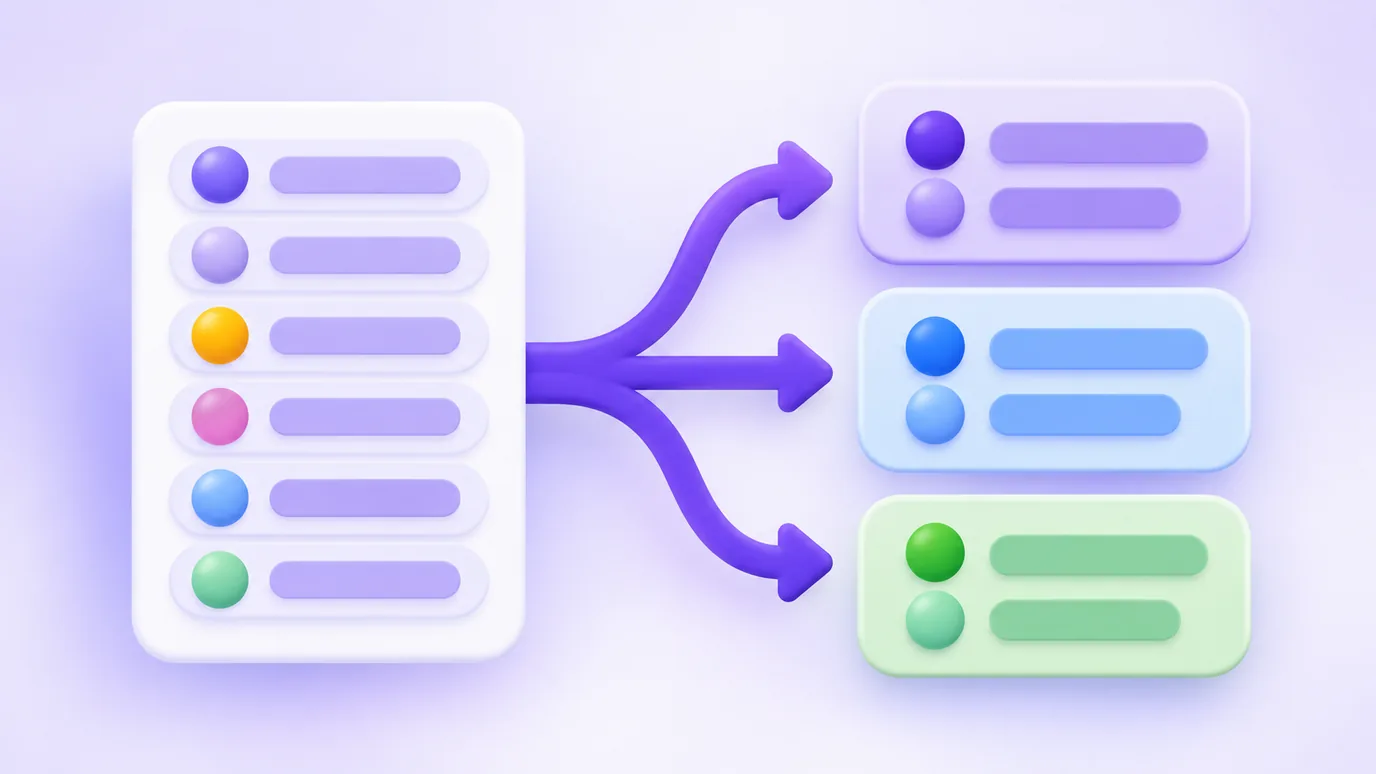
How the split is made
The list is shuffled with the browser’s random number generator, favoring no position, and people are dealt one by one among the teams. That is why team sizes differ by at most one person.
If the split is not exact (10 people into 3 teams, for example), some teams get one extra person. The page tells you when that happens.

What it is for
- Soccer, volleyball or any game between friends, on the court or at school.
- Classroom work groups, workshops, trainings and team activities.
- Splitting people into groups for an event, a scavenger hunt or a tournament.
- Making pairs and trios for an activity.
What the team generator does not do
- It does not balance by skill, level or position: the draw is fully random. If you need skill balance, adjust by hand after drawing.
- It accepts up to 200 people and 40 teams at a time.
- It does not keep the list: it stays only on the page while it is open.
Frequently asked questions about random teams
How do I split people into random teams?
Paste the list of names, choose the number of teams (or how many people per team) and click "Make teams". The tool shuffles the list and deals people among the teams.
Is the team draw fair?
Yes. The order is shuffled with the browser’s random number generator, favoring no one. Each new split is independent of the previous one.
What if the number of people does not divide evenly?
Teams end up with sizes that differ by at most one person. With 10 people in 3 teams, for example, you get teams of 4, 3 and 3.
Can I name the teams?
Yes. Write the names in the team names field, one per line or separated by commas. Without names, the teams are numbered.
Can I redo the draw?
Yes. The "Shuffle again" button shuffles everything once more and produces a new split, as many times as you like.
How do I share the teams?
Copy the result as text to paste in the group, or download the image with the teams to post or send. On a phone, the image opens the share menu directly.
Is my list sent to a server?
No. The draw happens in your browser and the names are neither sent nor stored by the tool.
More tools
In your browser, without uploading anything, you can also:
More free tools
All of them run in your browser, with no sign-up and without uploading your files:
- WhatsApp Link Generator: Create wa.me links with a pre-filled message and use them on your site, Instagram or ads.
- QR Code Generator: Create QR codes for links, WhatsApp, Instagram, Google Reviews, contacts and other destinations.
- Spin-the-wheel prize calculator: Find out which prizes to put on your spin-the-wheel, based on your vertical, average order value and goal.
- Resize images: Resize images by pixels or percentage, crop, adjust quality and download several at once as a ZIP.
- Image converter: Convert images between JPG, PNG and WebP without changing the size in pixels, with adjustable quality and ZIP download.
- Image to PDF: Combine one or several images into a single PDF, one per page, in the order you choose.