
How to use the random wheel
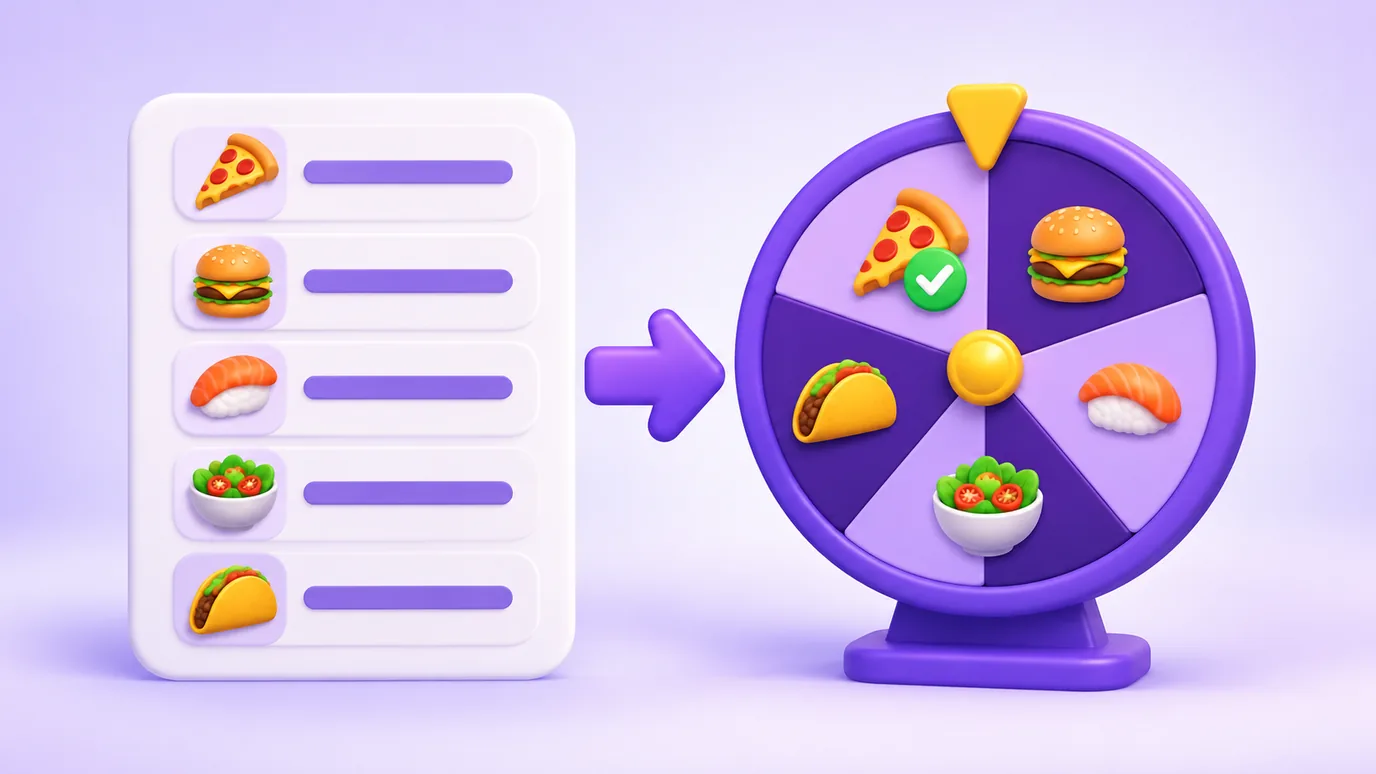
- Type your options in the list, one per line. You can replace the example that is already there.
- If you like, give the wheel a title (for example, "What should we eat?") and pick the colors.
- Click "Spin". The wheel turns, stops on an option and the result shows up on a card in front of it.
- To decide again, click "Spin again". To show the wheel to other people, go full screen.

How the wheel decides
The winning option is chosen before the spin, using the browser’s random number generator, in a way that favors no position. The animation only shows the wheel stopping on the option already chosen.
Every option has the same chance. To give one of them more chances, repeat it in the list or write "Option*3".
When to use a wheel to decide
- Choosing where to eat, what to order or which movie or series to watch.
- Deciding who starts a game, who does the next task or who buys the coffee.
- Settling a doubt between two or more options that, to you, are worth the same.
- Playing in a group, in a classroom or on a live stream, with the wheel in full screen.

What this wheel does not do
- It does not replace a decision that needs criteria, such as money, health or safety.
- It is not a prize wheel for your website: to ask a visitor for their contact and give a coupon, see Popconvert’s discount wheel.
- It does not keep the list on our servers: it stays on the page, in the link you copy or saved in this browser.
Frequently asked questions about the random wheel spinner
How does the random wheel work?
You type the options, click "Spin" and the wheel stops on one of them. The choice is made at random, with the same chance for all, and appears on a card in front of the wheel.
Is the random wheel fair?
Yes. The option is picked with the browser’s random number generator, favoring no position. The chance only changes if you repeat an option on purpose.
Can I change the options, colors and title?
Yes. The list, the title and the colors are all editable and the wheel updates right away. There are ready-made palettes and two pickers for your own colors.
Can I go full screen to record a video?
Yes. The "Full screen" button leaves only the wheel and the result on screen, which is good for screen recording or live streaming.
Can I share the wheel with someone?
Yes. Use the share buttons: the link carries the list, title and colors, and you can download an image of the result to post.
How is it different from the name picker?
The engine is the same. This page is built for deciding between options (food, a movie, who starts); the name picker is built for picking people from a list, and numbers too.
Are my options sent to a server?
No. The draw happens in your browser and the options are neither sent nor stored by the tool.
More tools
In your browser, without uploading anything, you can also:
More free tools
All of them run in your browser, with no sign-up and without uploading your files:
- WhatsApp Link Generator: Create wa.me links with a pre-filled message and use them on your site, Instagram or ads.
- QR Code Generator: Create QR codes for links, WhatsApp, Instagram, Google Reviews, contacts and other destinations.
- Spin-the-wheel prize calculator: Find out which prizes to put on your spin-the-wheel, based on your vertical, average order value and goal.
- Resize images: Resize images by pixels or percentage, crop, adjust quality and download several at once as a ZIP.
- Image converter: Convert images between JPG, PNG and WebP without changing the size in pixels, with adjustable quality and ZIP download.
- Image to PDF: Combine one or several images into a single PDF, one per page, in the order you choose.