
Some deal pages open with a clock counting down to the end of the day's offers. That clock is the whole idea in miniature. So, what is a flash sale? It is a promotion that runs for a deliberately short time, or until a fixed quantity is gone, with a limit the shopper can see. The discount gets the attention; the limit gives a reason to act now.
How a Flash Sale Works
An ordinary discount stays in the store until someone removes it, so a shopper can come back whenever. A flash sale gives the offer an edge: a moment it ends, a number it stops at, or a group it belongs to. Once the edge is visible, the shopper has something to plan around. The four pages below show it in different ways: a countdown, a "Limited time deal" badge with a "% claimed" figure, "Ends Today" labels, an "Almost gone" label.
The diagram lays out the four parts a sale can be built from.
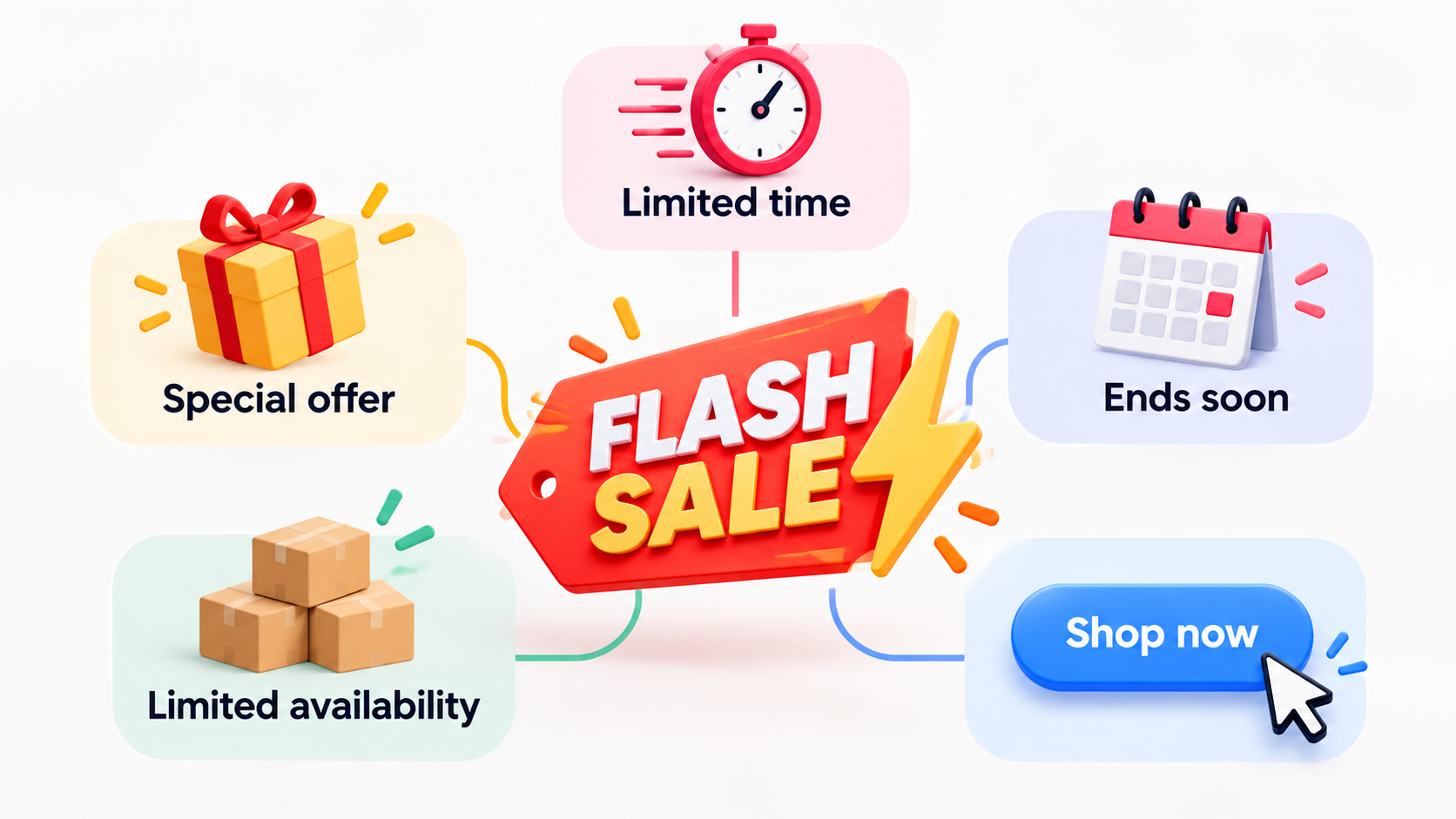
You rarely need all four. A sale with only a window and a discount is complete; a quantity or an audience earns its place only if you can count the units or define the group. Each part you add is one more thing to keep accurate, so choose parts before designing the banner.
Types of Flash Sales
Every flash sale needs a time or quantity limit, and audience or product can narrow it. The candle shop below is a hypothetical.
Limited by time. A window such as Thursday, 9:00 to 21:00, needs only a start, an end and a time zone, since 21:00 means little to a customer in another city.
Limited by quantity. 50 units of a discontinued scent at a lower price until they are gone makes the limit tangible, but someone has to watch the count, since unit 51 at the flash price breaks the promise.
Limited by audience. A 15% code emailed only to subscribers, valid until Saturday noon, puts the limit on who holds the code, so the risk is a leak: once it appears on a coupon site, the group stops being defined.
Limited by product or bundle. A three-candle set at a lower price until Sunday night, with the rest of the catalog at regular price, is the option when discounting everything is not affordable. The sale is smaller, and only as attractive as that set.
Flash Sale Examples
These four pages belong to large marketplaces and retailers, not small stores, so treat them as illustrations of how a limit can look, not as templates to copy. What is shown below can change by the time you read it, and none of it claims to know how these companies actually plan their promotions internally.
Newegg Shell Shocker
What it is. A daily electronics deals page on Newegg, a large US online retailer.
How the limit appears. A "DEALS END IN" countdown runs at the top of the page, resetting on a roughly 24-hour cycle so the deals always close the next morning. Wording such as "while supplies last" and "limited offer" is attached to gifts and promo codes, with no unit count shown anywhere.
What to learn. The time limit here is one countdown for the whole event. A small store can do the same and, if it adds a limited bonus, state how many are available.
Amazon Today's Deals
What it is. The Today's Deals page on Amazon, a large marketplace, opened with shipping set to Spain (no prices are cited here).
How the limit appears. Most cards show a "Limited time deal" badge with a share claimed, such as "41% claimed", but no end time. Others swap that for an actual countdown, such as "Ends in 08:26:31" alongside "0% claimed": the same page mixes both signals depending on the deal.
What to learn. The same page showed different signals at different hours: a badge, a countdown, a share claimed. On your own store, show the end time, and a claimed figure only if you cap units.
Zulily
What it is. The home page of Zulily, an online retailer, arranged in brand and category events with discount ranges such as "Up to 71% Off".
How the limit appears. A top bar rotates between urgency copy, such as "Hurry — deals end soon!", and plainer messaging like "Fresh drops daily at 9AM ET". Underneath, most individual events carry their own "Ends Today" label, and newly added ones are flagged "New Today".
What to learn. The top bar changed with the hour, so it works as a general message, while the event labels stayed put. A store with several offers can label each one that way, and add the exact end time, which "Ends Today" leaves out.
eBay Daily Deals
What it is. The Daily Deals page on eBay, a large marketplace, arranged in blocks headed "SPOTLIGHT DEAL", "TRENDING DEALS" and "FEATURED DEALS".
How the limit appears. Many items carry an "Almost gone" label next to a discount such as "50% OFF", with no clock or unit count anywhere on the page.
What to learn. A label without a number leaves the shopper guessing how much is left. If you can count your own stock, you can show the count ("12 left") straight from your inventory system, so it stays accurate.
Benefits and Risks
Benefits
A reason to come back on a set day. Say a shopper leaves a candle in the cart on Tuesday. An email saying the price ends Thursday at 21:00 gives that shopper a date to return by.
A way to point demand at specific stock. The last 50 units of a discontinued scent are a problem a storewide discount solves badly, because it also gives away margin on the bestsellers. A sale on that scent alone aims the discount at the stock.
Something concrete to announce. "Thursday until 21:00" makes a better subject line than "we have discounts", because it says what and until when.
A result you can read. With an exact start and end, you can compare Thursday's orders with recent Thursdays. If you also cap units or redemptions, you know the most you could give away before launch: the number of units times the discount.
Risks
Margin. A 30% discount on a product with a 25% margin loses money on every order. The sale only helps if orders at the flash price are orders you want.
Limits with nothing behind them. The FTC's staff report *Bringing Dark Patterns to Light* (September 2022) lists several pressure tactics that rest on nothing real: a countdown clock that "just goes away or resets when it times out", a "limited time" message with no deadline or a meaningless one, a false low-stock message, and a fake "discounted" price. It is a staff report, not a law, but it shows where regulators look: each signal on your page needs something real behind it. Our guide to limited-time offers covers the difference in more depth.
Load on operations. Orders that arrive inside a short window reach fulfillment and support together. If stock counts do not update as orders come in, the store can sell units it does not have.
A regular price that looks optional. If sales come often, shoppers may start treating the regular price as a starting point. That is a possibility to test: compare regular-price orders in the weeks after a sale with the weeks before.
How to Run a Flash Sale
1. Set one goal and one number. Decide what the sale is for: clearing a product, waking up the email list, lifting a slow weekday. Then pick the number you'll judge it by, and note its normal value first, such as orders on the same weekday recently, so there is something to compare against. "Do better" is not a goal you can check afterward; a number is.
2. Choose products and find your floor price. Add product cost, shipping and payment fees to find the lowest price that still earns something, and keep every discount above it. Write the floor price next to each flash price so a glance confirms none of them dips below it.
3. Decide what is limited. Every flash sale needs a time or quantity limit; you can narrow it by audience or product. Write down the exact start, exact end, time zone and, if there is a cap, the number of units, spelled out clearly enough that no one has to ask when it ends or how many are left.
4. Build the offer in your store. Create the sale price or coupon in your e-commerce platform. If it lets you set an expiry or a usage limit, match them to the end and to any cap. If a gamified pop-up will carry part of the offer, give it a code of its own. Then test it: place a trial order and confirm it lands at the flash price, with the end time you plan to announce showing wherever you configured it.
5. Get stock and support ready. Confirm inventory covers the cap, check shipping capacity, and name one person to answer questions for the whole window.
6. Announce it with one wording of the deadline. Use the channels your audience already follows, with the same end time and time zone everywhere, and give each channel that hands out a code its own. Before it goes live, check that every link lands on the offer, not the home page.
7. Launch and watch. View the offer as a shopper would at the start time, then watch orders and stock during the window. If nothing moves within the first hour, check the links and the coupon before assuming it is just slow.
8. End it on time. Let the offer expire exactly when you said it would, take down every banner and pop-up, and do not extend it.
9. Review against your number. Compare the result with the baseline from step 1, check the margin on the orders placed, and write down one change for next time, next to the original goal, so it is there when you plan the next sale.
Run a Flash Sale With a Gamified Pop-Up
A gamified pop-up can carry the offer to visitors already on the site: they play a short game and win a reward, on the same real deadline as the rest of the sale. Campaign Scheduling sets an exact start and end for the pop-up, and it goes live and ends automatically, so it disappears the moment the sale does. A trigger, such as Exit Intent, decides when it actually appears to a visitor.
Write the same end time into the pop-up's own text, worded exactly as in your email and banner, so the deadline does not shift depending on where a visitor reads it. Whatever code the pop-up hands out belongs to it alone: coupons Popconvert hands out should not be reused in email, ads or social, so the announcement in step 6 needs a different one. The rewards help page covers setting up the prize itself.
FAQ
What is the difference between a flash sale and a regular sale?
A regular sale can run "while it lasts", with no end announced. A flash sale states its limit up front, whether a clock or a unit cap. The discount can be the same size; the difference is that the shopper can see where the offer stops.
How long should a flash sale last?
Start from when visitors actually shop: check your analytics for the days and hours with most orders, and cover at least one full peak. For a small store, one day is often a reasonable first test.
Can I use a countdown timer, and are flash sales legal?
Yes, as long as it counts down to a real end and does not reset or vanish when it runs out, unlike the fake versions the FTC report above treats as a pressure tactic. Rules differ by country, so check where you sell; this is not legal advice.
How often can I run a flash sale?
Let your own numbers decide. After each sale, compare regular-price orders in the following weeks with the weeks before; if they dip, wait longer before the next one.
Ready to schedule your first one? Check out Popconvert's plans or start a free trial and set the campaign's start and end before the sale goes live.