
How to convert PNG to PDF
- Choose your PNG images or drag the files into the box. They are not sent to any server: everything happens in your browser.
- If you added more than one, put them in the order you want with the arrows. The order of the list is the order of the pages.
- Pick the page size: same as the image, or A4 with a margin.
- Click download PDF. With one image, the file takes its name; with several, it is saved as imagens.pdf.
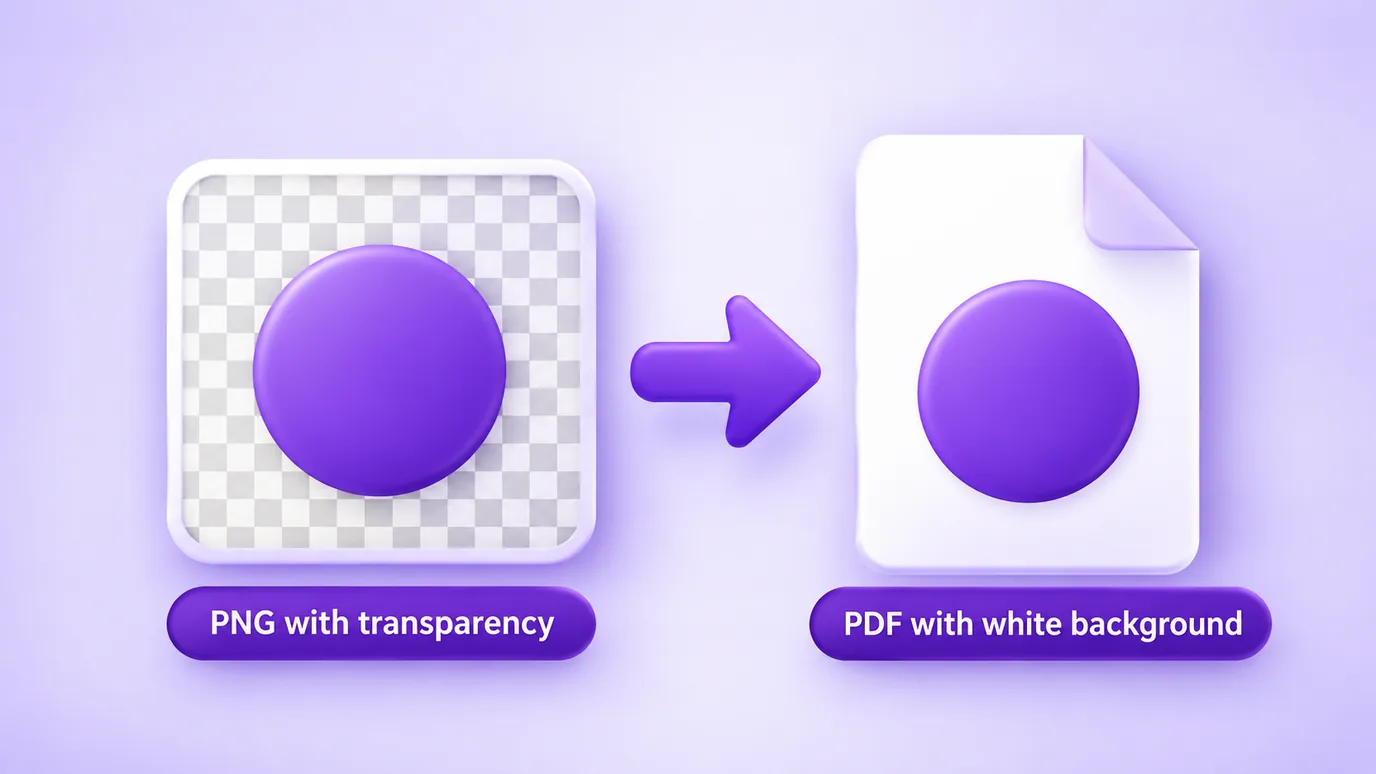
What about PNG transparency?
PNG supports transparent areas, but the tool puts each image into the PDF as JPG, which has no transparency. As a result, transparent areas become white.
In practice this works well for screenshots, charts and logos that will be seen on white paper. If you need to keep the transparency inside the PDF, this tool is not the right one.
Screenshots and images with text
Screenshots and artwork with text show any loss of quality. On this page, the quality already starts at 92 and the longest-side limit is off, so the text stays sharp.
If the PDF is heavy, lower the quality gradually or limit the longest side (for example, 1600 px) and check the result before downloading.
What this tool does not do
- It does not keep PNG transparency: transparent areas become white.
- It does not recognize text (OCR): each page is an image, so the text in a screenshot cannot be selected.
- It does not password-protect the PDF or edit PDFs you already have.
- It is limited by your device memory: up to 30 images at a time, 50 MB per file and 60 megapixels per image.
Questions about converting PNG to PDF
How do I convert PNG to PDF?
To convert PNG to PDF, add the image to the tool, choose the page size (same as the image, or A4) and click download PDF. The conversion happens in your browser, with no upload.
How do I combine several PNG images into one PDF?
Add all the images at once, put them in the order you want with the arrows and download. Each image becomes a page of the same PDF, saved as imagens.pdf.
Does a PNG with a transparent background get a white background in the PDF?
Yes. The image goes into the PDF as JPG, which has no transparency, so the transparent areas of the PNG become white.
Will the text in a screenshot stay sharp in the PDF?
It stays sharp if you keep the quality high and do not limit the longest side. On this page the quality already starts at 92; for maximum sharpness, raise it to 100.
What is the difference between image-size pages and A4?
With image size, the page has the dimensions of the image itself and there are no margins. With A4, the image is centered on an A4 page, portrait or landscape, with a 10 mm margin and no distortion.
How do I make a PDF made from PNGs smaller?
Lower the quality and limit the longest side of the images (for example, 1600 px or 1200 px). Because the PDF carries the images, reducing their weight reduces the weight of the PDF.
Is the text in the PDF selectable?
No. Each page is an image and the tool does not do text recognition (OCR). To get selectable text, use an OCR program.
How many PNG images can I put in one PDF?
Up to 30 images at a time, with up to 50 MB per file and 60 megapixels per image.
Are my images uploaded to a server?
No. The PDF is built in your browser and no image is uploaded to a server.
Other image tools
In your browser, without uploading the files, you can also: