
What makes an image heavy
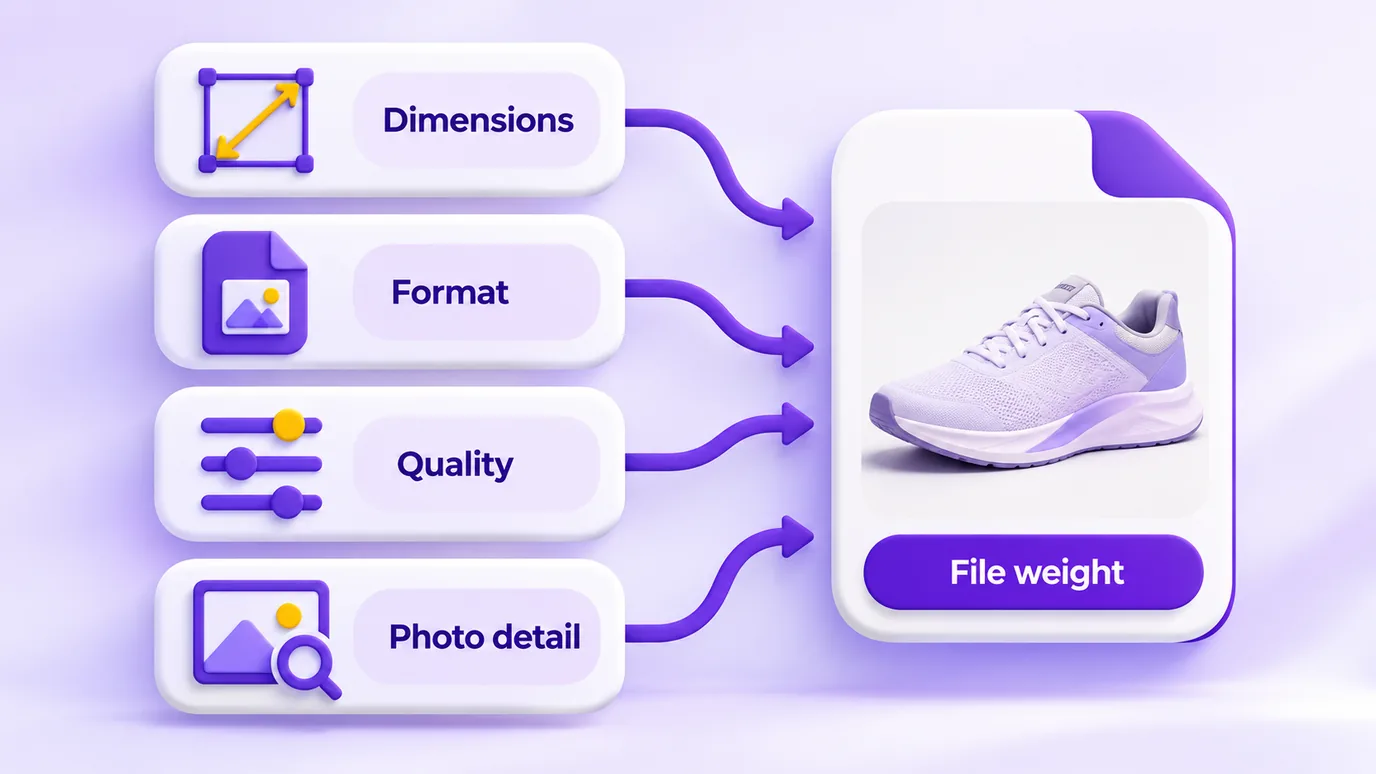
The weight of an image, in KB or MB, depends on four things: its dimensions (how many pixels wide and tall), the format, the compression quality and how much detail the photo itself has.
That is why reducing the file size has three paths, which can be combined: changing the format, lowering the quality and reducing the dimensions.
How to reduce the size of an image
- Choose your images or drag the files into the box. They are not sent to any server: everything happens in your browser.
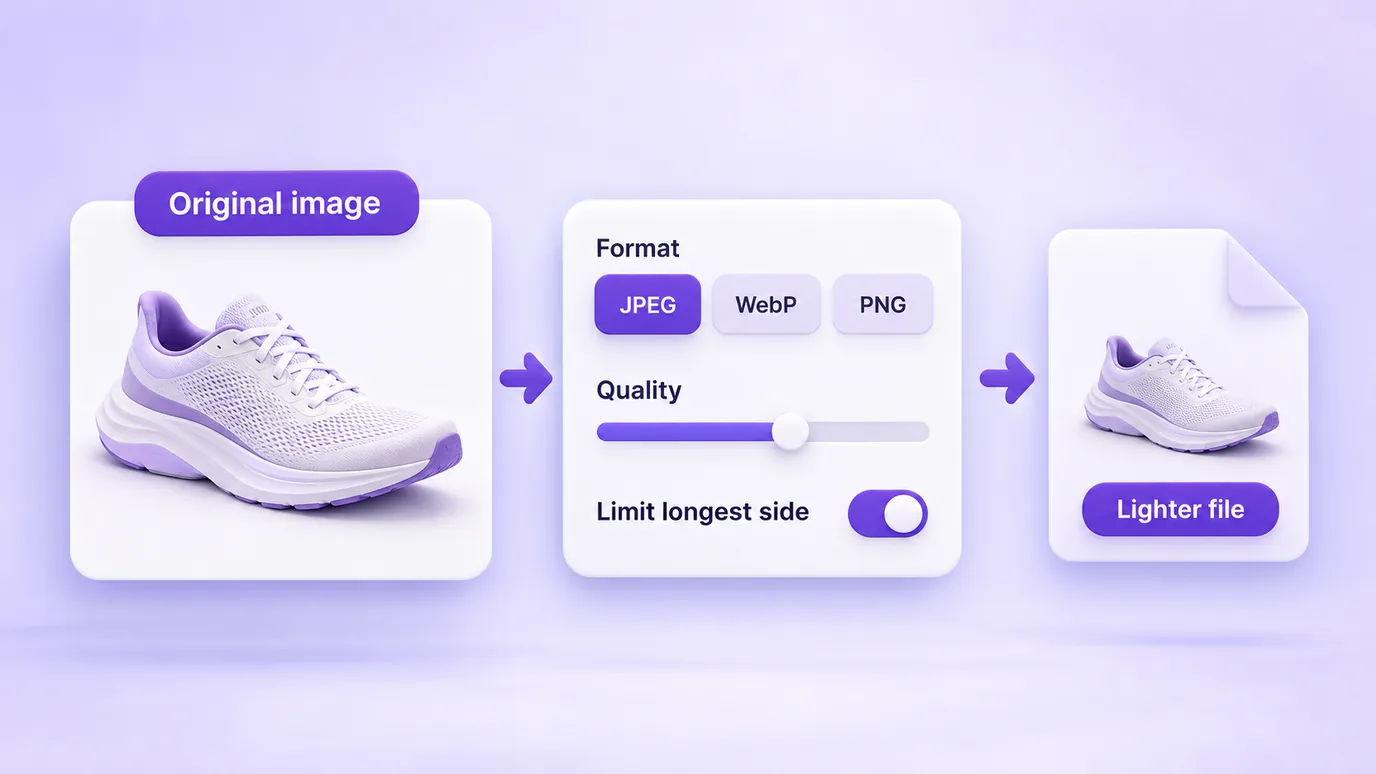
- Pick the output format. JPEG and WebP cut the weight of photos the most; PNG keeps transparency but is usually heavier.
- Adjust the quality. The lower it is, the smaller the file, with some loss of detail. Check the result under "Before" and "After".
- If you need an even smaller file, limit the longest side of the image (for example, 1600 px) and download.
JPEG, WebP or PNG: which to choose
- JPEG: good for photographs; it has no transparency (transparent areas become white).
- WebP: usually produces smaller files than JPEG with a similar look, and supports transparency. The tool warns you if your browser cannot produce WebP.
- PNG: lossless and with transparency, suited for logos and graphics; for photographs it is usually much heavier.
What is the right weight
It depends on where the image will be used. Some figures the platforms themselves publish: Nuvemshop suggests product photos between 100 and 600 KB (up to 1 MB is acceptable); Tray asks that the logo does not exceed 350 KB; the default theme banners at Loja Integrada are capped at 500 KB.
There is no single number: the smaller the file, the faster the site loads, but over-compressed images lose sharpness.
What this tool does not do
- It does not upload the file to a server, so there is no account limit or sign-up: the limit is your device memory (up to 30 images at a time, 50 MB per file and 60 megapixels per image).
- It does not guarantee an exact weight: the result depends on the image. Adjust the quality and check the value under "After".
- It produces a new image, without the metadata of the original file (such as EXIF).
Questions about reducing image file size
How do I reduce the size of an image online?
To reduce the size of an image online, add the file to the tool, choose JPEG or WebP, lower the quality until you reach the weight you want and download the result. The weight before and after is shown on screen.
How do I make a photo smaller in KB without losing much quality?
To make a photo smaller in KB without losing much quality, use JPEG or WebP with a medium quality and, if you need more reduction, limit the longest side of the image. Compare the thumbnails and the final size before downloading.
How do I reduce an image to under 100 KB?
To reduce an image to under 100 KB, choose JPEG or WebP, lower the quality and limit the longest side (for example, 1200 px or 800 px). Check the value under "After"; the result varies with the photo.
What is the difference between reducing size in pixels and in KB?
Reducing the size in pixels changes the width and height of the image; reducing the size in KB changes the file weight. Fewer pixels usually mean fewer KB too, but the format and the compression quality also affect the final weight.
JPEG or WebP: which makes the image lighter?
WebP usually produces smaller files than JPEG with a similar look, but the result depends on the image. The tool shows the final weight so you can compare both before downloading.
Does reducing the image size in KB lower the resolution?
Not necessarily. If you only change the format and quality, the dimensions in pixels stay the same; the loss shows up as less fine detail. The resolution only changes if you limit the longest side of the image.
What if the file ends up larger than the original?
When the file ends up larger than the original, try JPEG or WebP, a lower quality or limiting the longest side. It can happen, for example, when you convert an already compressed JPEG to PNG.
Can I reduce the size of several images at once?
Yes. You can reduce up to 30 images at a time with the same settings and download them all in a single ZIP file.
Is my image uploaded to a server when I reduce its size?
No. When you reduce the image size, the processing happens in your browser and the file is not sent to any server.
Does the tool reduce the size of PNG images with transparency?
Yes. Keeping the PNG format preserves transparency, but the weight saving is smaller. To reduce more, WebP also supports transparency; JPEG does not, and transparent areas become white.
Does reducing the image size remove the metadata (EXIF)?
Yes. The final image is a new one, re-encoded in the browser, and it does not keep the metadata of the original file, such as location and camera data.
Other ways to adjust the image
The same in-browser tool, to: