
How to turn images into a PDF
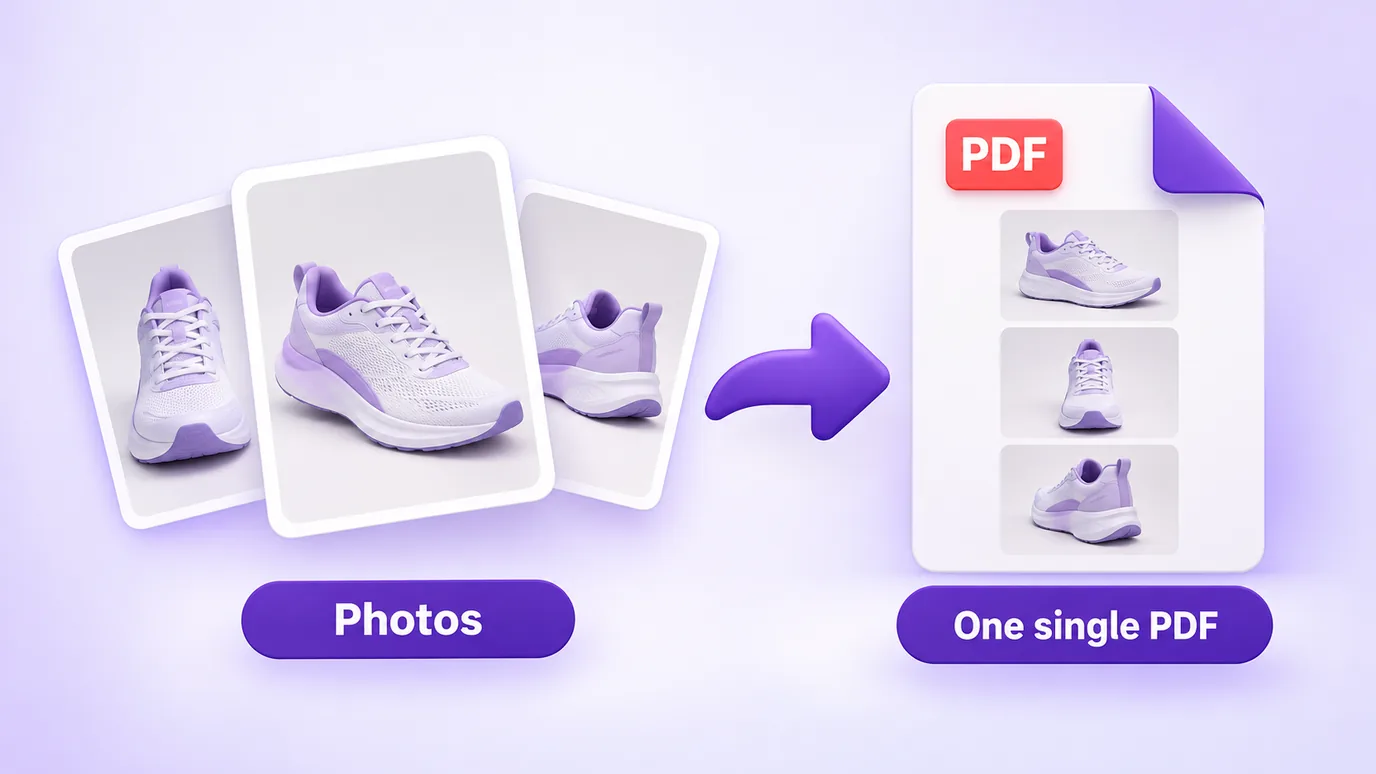
- Choose your images or drag the files into the box. They are not sent to any server: everything happens in your browser.
- Put the images in the order you want with the arrows. The order of the list is the order of the pages.
- Pick the page size: same as the image, or A4 with a margin.
- If the PDF is heavy, lower the quality or limit the longest side of the images. Then download the PDF.
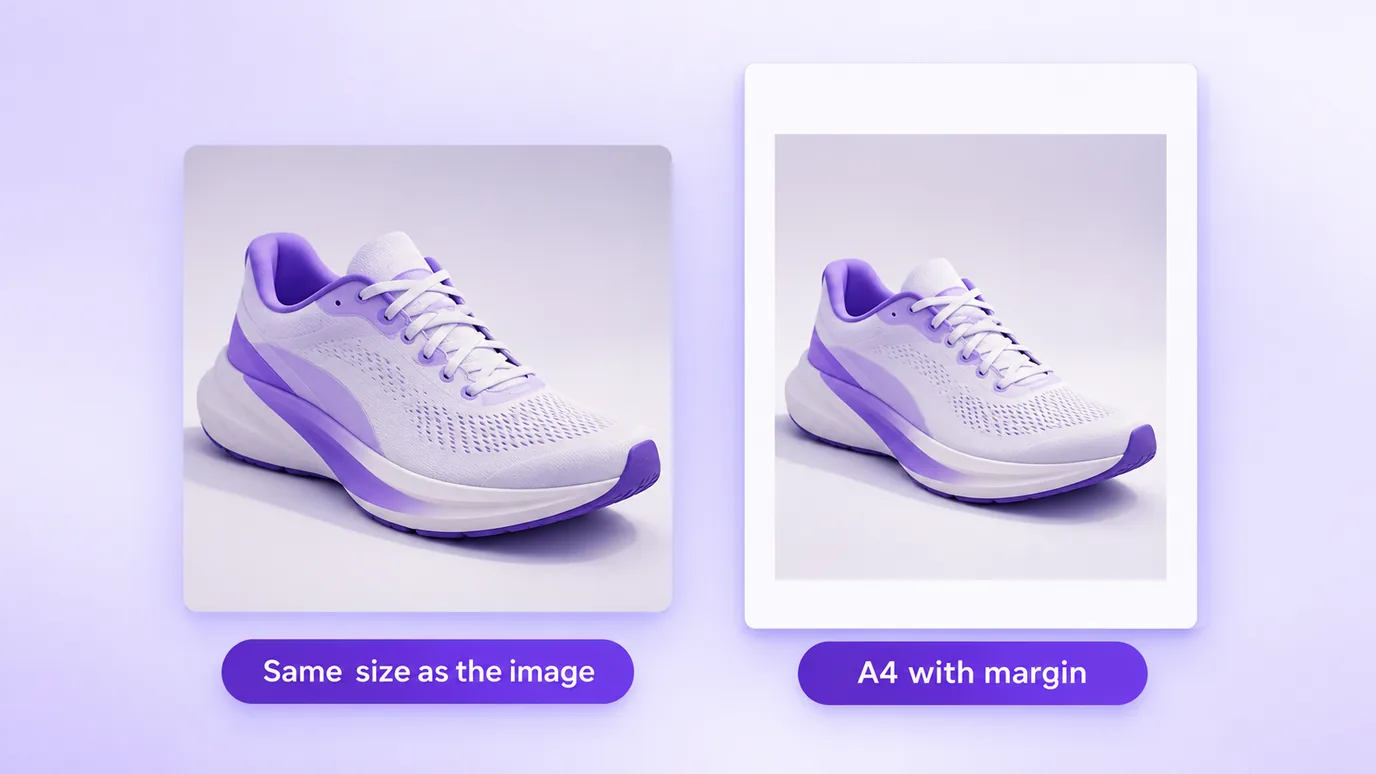
Same size as the image, or A4
- Same size as the image: each page has the dimensions of the image. It is the best option to keep the whole image, with no margins.
- A4: each image is placed in the center of an A4 page, portrait or landscape depending on the image, with a 10 mm margin and no distortion.
PDF file size
The size of the PDF is, to a large extent, the sum of the size of the images. Camera and phone photos are usually large; limiting the longest side (for example, 1600 px) and using a medium quality shrinks the file a lot.
What this tool does not do
- It does not merge PDFs you already have or turn a PDF into images: it accepts PNG, JPG, WebP and AVIF (AVIF depends on your browser being able to open it).
- It does not recognize text (OCR): each page is an image, so the text in the PDF cannot be selected.
- Images go in as JPG, so transparent areas become white.
- It does not upload the files to a server, so there is no sign-up: the limit is your device memory (up to 30 images at a time, 50 MB per file and 60 megapixels per image).
Questions about converting images to PDF
How do I turn an image into a PDF?
To turn an image into a PDF, add the file to the tool, choose the page size and click download PDF. The file you get has one page with the image.
How do I convert JPG to PDF?
To convert JPG to PDF, add the JPG, choose the page size (same as the image, or A4) and download the PDF. The conversion happens in your browser, with no upload.
How do I combine several images into one PDF?
Add all the images at once, put them in the order you want with the arrows and download. Each image becomes a page of the same PDF.
How do I convert PNG to PDF?
Add the PNG and download the PDF. The image goes into the PDF as JPG, so the transparent areas of the PNG become white.
Can I change the order of the pages?
Yes. Use the arrows next to each image to move it up or down. The order of the list is the order of the pages in the PDF.
What is the difference between image-size pages and A4?
With image size, the page has the dimensions of the image itself and there are no margins. With A4, the image is fitted in the center of an A4 page, portrait or landscape, with a 10 mm margin and keeping its proportions.
How do I make the PDF smaller?
Lower the quality and limit the longest side of the images (for example, 1600 px or 1200 px). Because the PDF carries the images, reducing their weight reduces the weight of the PDF.
Does the PDF have selectable text?
No. Each page is an image and the tool does not do text recognition (OCR). To get selectable text, use an OCR program.
Are my images uploaded to a server?
No. The PDF is built in your browser and no file is uploaded to a server.
How many images can I put in one PDF?
Up to 30 images at a time, with up to 50 MB per file and 60 megapixels per image.
Other ways to adjust the image
The same in-browser tool, to: