
How to convert PNG → JPG
- Choose your PNG images or drag the files into the box. They are not sent to any server: everything happens in your browser.
- The output format is already set to JPG. Adjust the quality if you want a smaller file: the lower the quality, the smaller the file, with some loss of detail.
- Check the file size under "Before" and "After". The pixel dimensions stay the same.
- Download each image or, with several, everything in one ZIP.
What changes when you convert PNG to JPG
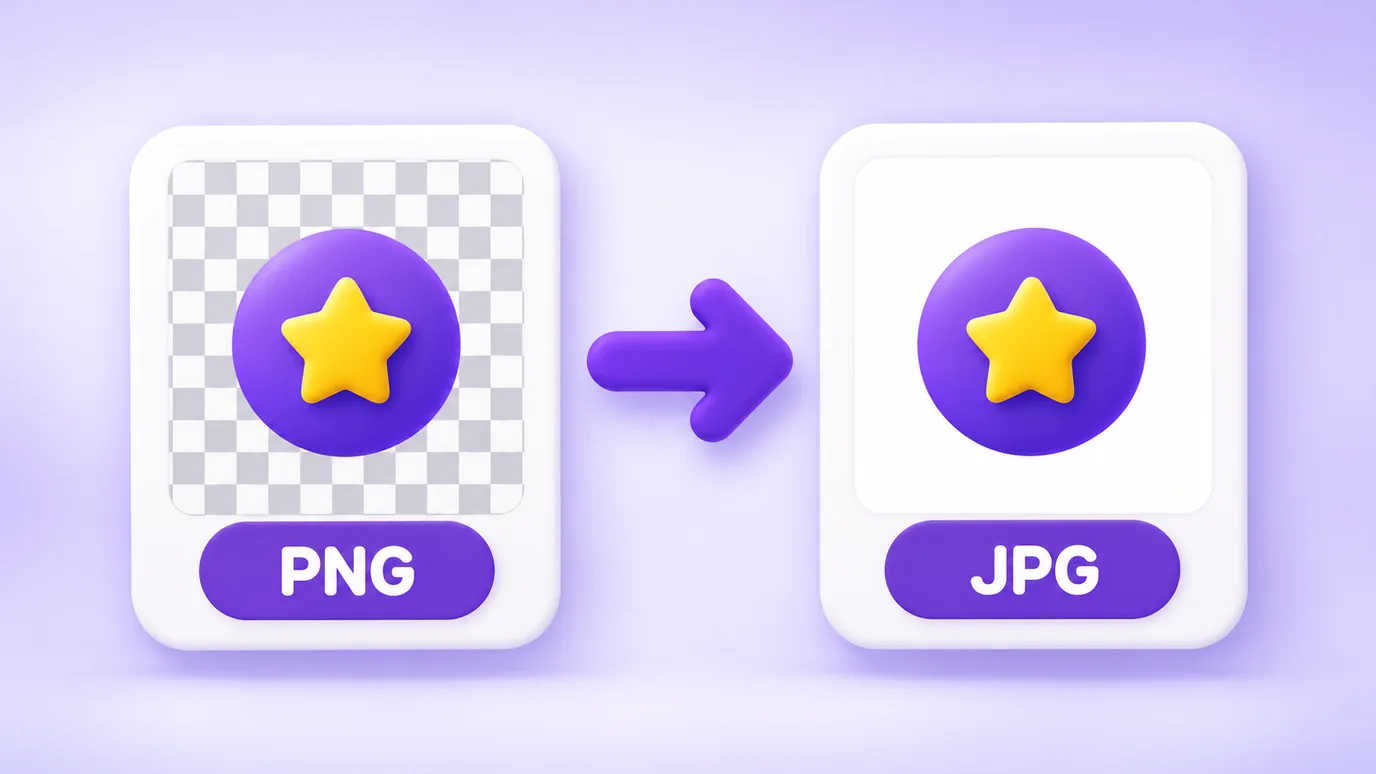
PNG stores the image without loss and supports transparency. JPG uses lossy compression and has no transparency: transparent areas of the PNG become a white background.
For photographs, JPG usually produces a much smaller file. For images with text, thin lines and flat areas (screenshots, charts, logos), the size difference can be small and edges can lose sharpness at low quality. Check "Before", "After" and the preview before downloading.
When converting makes sense
- Uploading an image to a platform or form that only accepts JPG.
- Reducing the size of product photos that were exported as PNG.
- Sending a screenshot or a design by email or messaging app as a lighter file.
- Standardizing a set of images in a single format.
What this tool does not do
- It does not keep transparency: JPG has no such feature, so it becomes a white background.
- It does not convert iPhone HEIC photos, GIF, SVG, BMP, TIFF or PDF: it accepts PNG, JPG, WebP and AVIF (AVIF depends on your browser being able to open it).
- It does not keep animations: the result is a still image.
- It is limited by your device memory: up to 30 images at a time, 50 MB per file and 60 megapixels per image.
- It creates a new image without the original file metadata (such as EXIF).
Frequently asked questions about PNG to JPG
How do I convert PNG to JPG?
To convert PNG to JPG, add the image to the tool, check that the output format is JPG, adjust the quality if you want and download it. The conversion happens in your browser, without sending the file to a server.
What happens to transparency when converting PNG to JPG?
JPG has no transparency. When you convert PNG to JPG, transparent areas turn into a white background. If you need to keep transparency, keep the PNG or use WebP.
Does converting PNG to JPG make the file smaller?
For photographs, usually yes, and by a lot. For screenshots, charts and images with text, the gain tends to be smaller. The tool shows the size under "Before" and "After" so you can decide.
Do I lose quality when converting PNG to JPG?
JPG uses lossy compression, so there is always some loss of detail. At high quality the difference is usually hard to see; the lower you set the quality, the more blur and noise appear around edges.
What quality should I use when converting PNG to JPG?
The tool starts at 90. For a smaller file, lower it gradually and compare the preview and the "After" size. For logos and text, prefer high quality or keep the PNG.
Can I convert several PNG files to JPG at once?
Yes. You can add up to 30 images at a time, convert them all with the same settings and download everything in a ZIP.
Why convert PNG to JPG for an online store?
Because product photos in JPG usually weigh less, which helps pages load faster, and many platforms and marketplaces accept or prefer JPG. Check the file size limit and the format your platform requires.
Is my PNG image uploaded to a server?
No. The PNG to JPG conversion happens in your browser and the file is not sent to any server.
Other image tools
In your browser, without uploading the files, you can also: